Every image, ready.
Prepare image batches in one workspace: remove backgrounds, create resize outputs for different destinations, and convert supported file formats. Choose a tool for the work your images need.
Remove Background
Remove backgrounds from image batches and continue with transparent PNG results in your Preparya workspace.
Explore toolResize Images
Resize multiple source images to selected platform presets or custom dimensions, including more than one target size per source.
Explore toolConvert Formats
Convert image batches between output formats supported by the current processing server.
Explore toolFeatured Articles
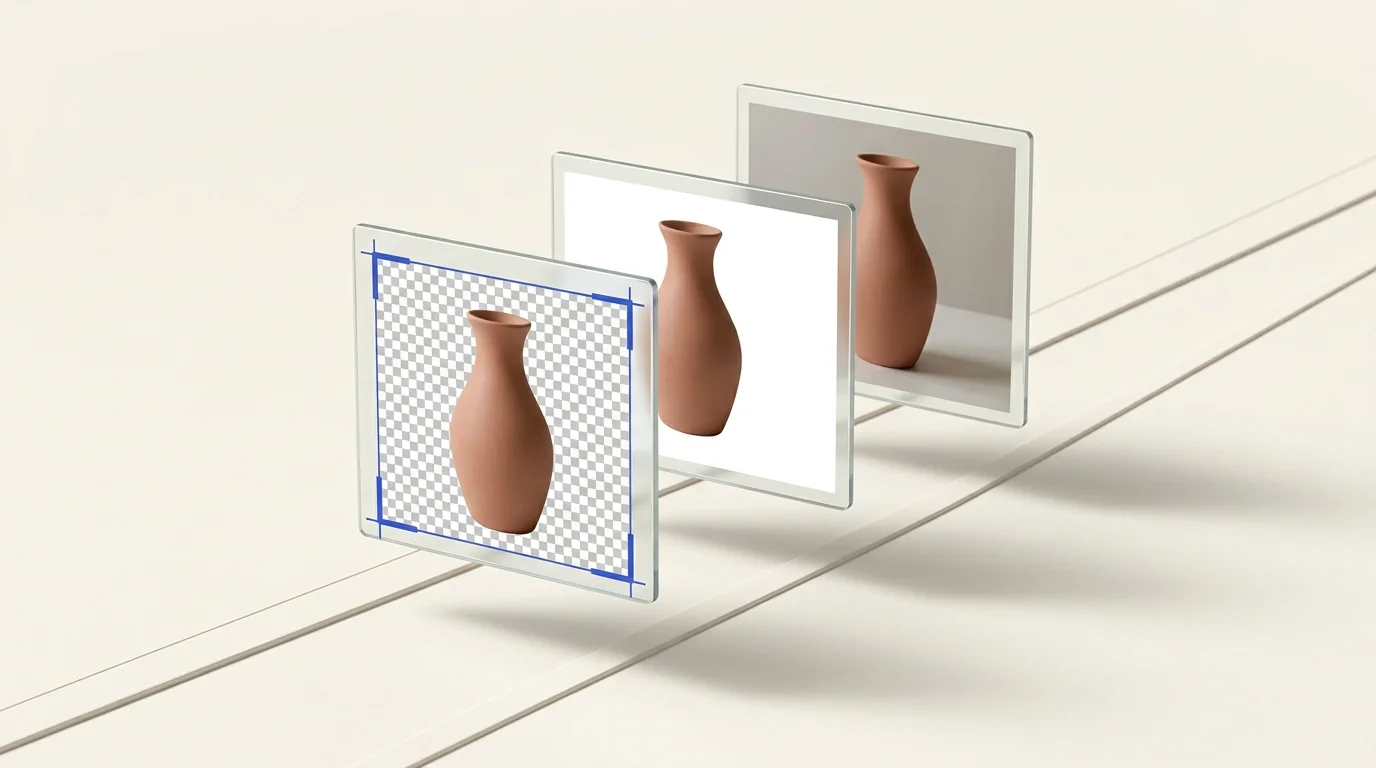
Batch Cropping and Background Removal Simplified
Cropping, background removal, and resizing solve different image problems. Learn when to use each one and how to combine them into a practical batch image preparation workflow.
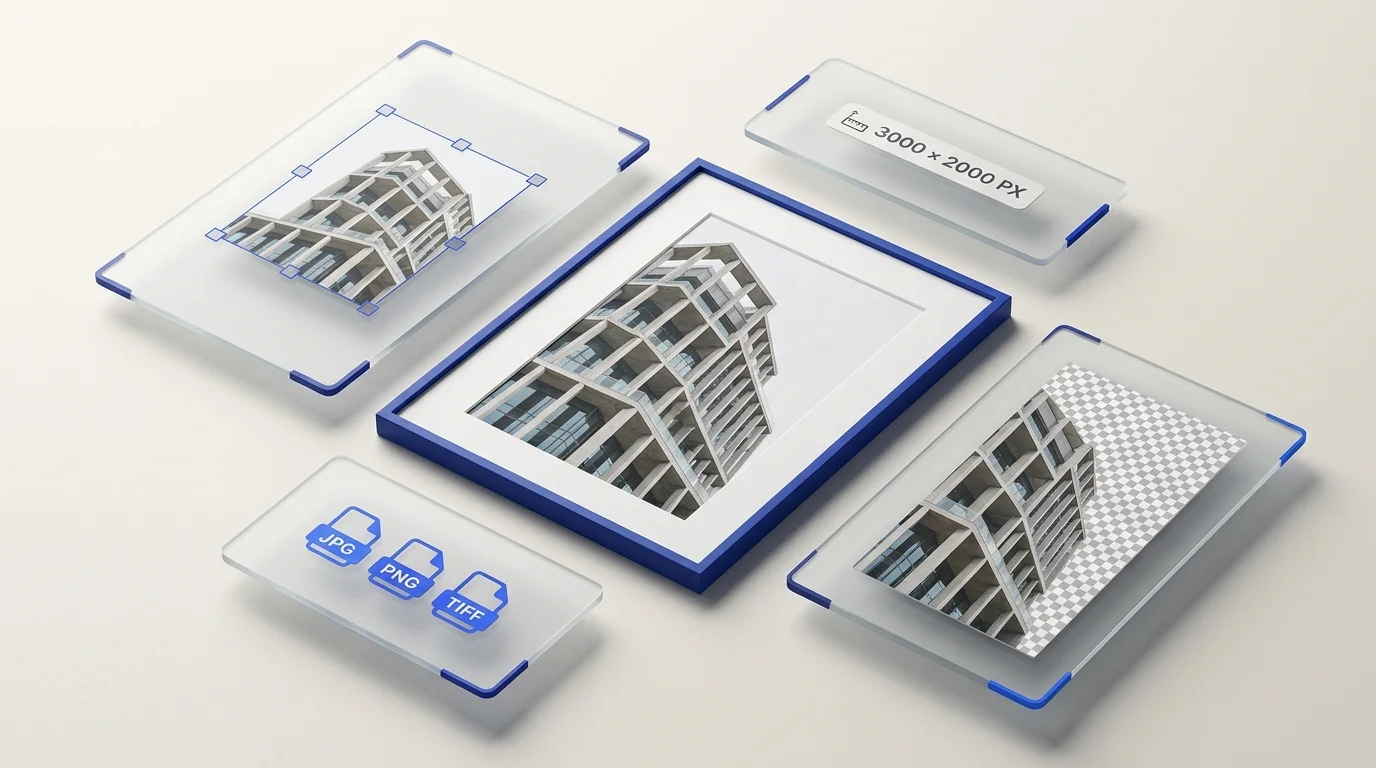
Modern Image Preparation: The Next Evolution
Learn how background removal, resizing, and format conversion fit together in a practical batch workflow for web, ecommerce, and social media.