Image preparation used to be a simple final step: open an image, resize it, export it, and move on.
That approach works when you have one image and one destination. It becomes inefficient when the same set of images needs to be prepared for a website, an ecommerce catalog, a social post, a campaign, or several platforms at once.
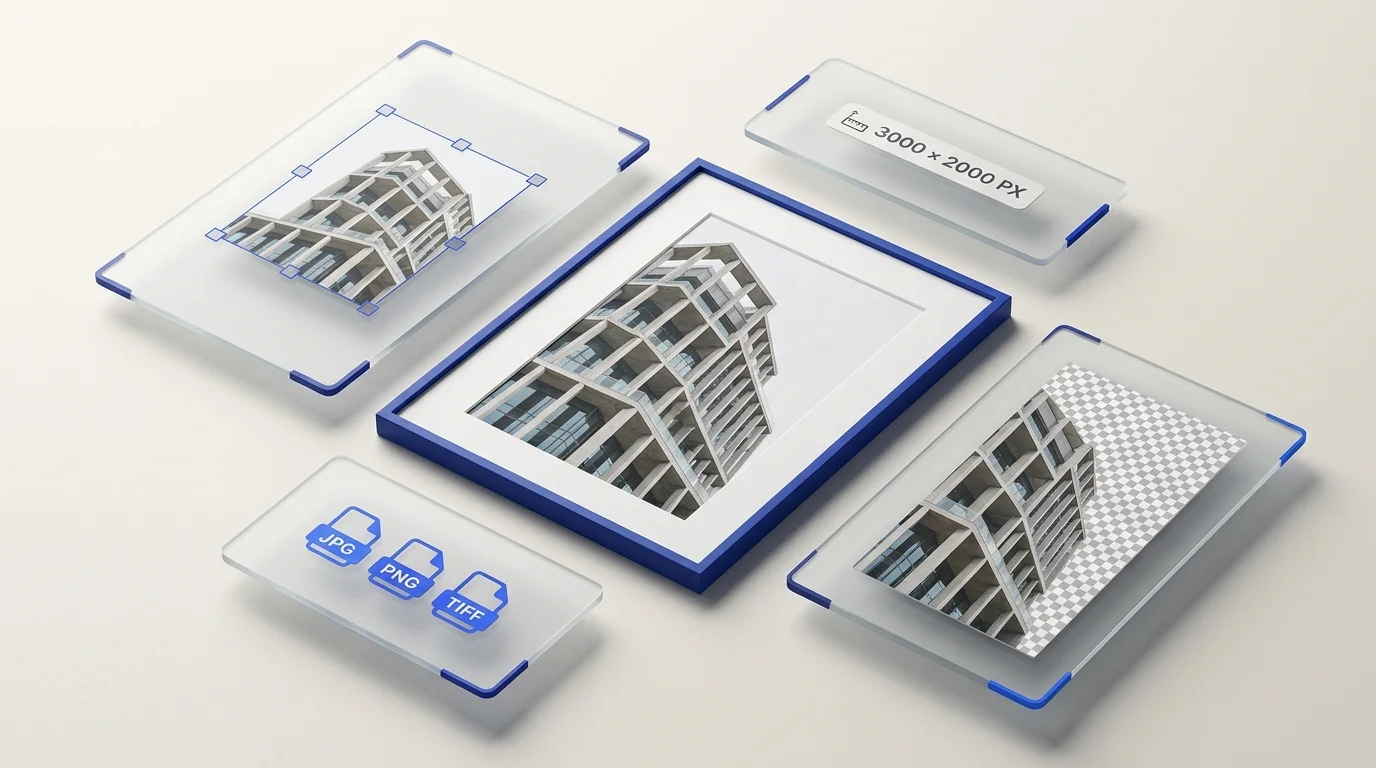
Modern image preparation is different. It treats background cleanup, resizing, and format conversion as parts of a repeatable workflow rather than isolated editing tasks.
The goal is simple: start with source images and turn them into files that are ready for where they need to go.
What is image preparation?
Image preparation is the process of adapting an existing image for its final use.
That can include:
removing an unwanted background;
changing image dimensions;
creating versions for different destinations;
converting the file to another image format;
preserving transparency when it is needed;
organizing multiple outputs from the same source image.
Image preparation is not the same as image creation or detailed photo editing.
A designer may create the visual. A photographer may capture the source image. Image preparation happens afterward, when those assets need to become usable files for specific destinations.
That distinction becomes increasingly important when working with many images.
Why the one-image-at-a-time workflow breaks down
Manually preparing a single image is usually easy.
The problem is repetition.
Imagine preparing 40 product images. Each one needs a clean background, a consistent size, and a suitable output format.
Even if every individual task takes only a short time, repeating the same sequence across dozens of files creates unnecessary work.
The problem becomes larger when each source image also needs several sizes.
You are no longer managing 40 images. You may be managing 80, 120, or more output files.
That is why modern image preparation increasingly depends on batch workflows.
Instead of asking:
“What should I do with this image?”
the better question becomes:
“What transformation should I apply to this group of images?”
The three core stages of image preparation
Most practical image-preparation workflows involve some combination of three operations.
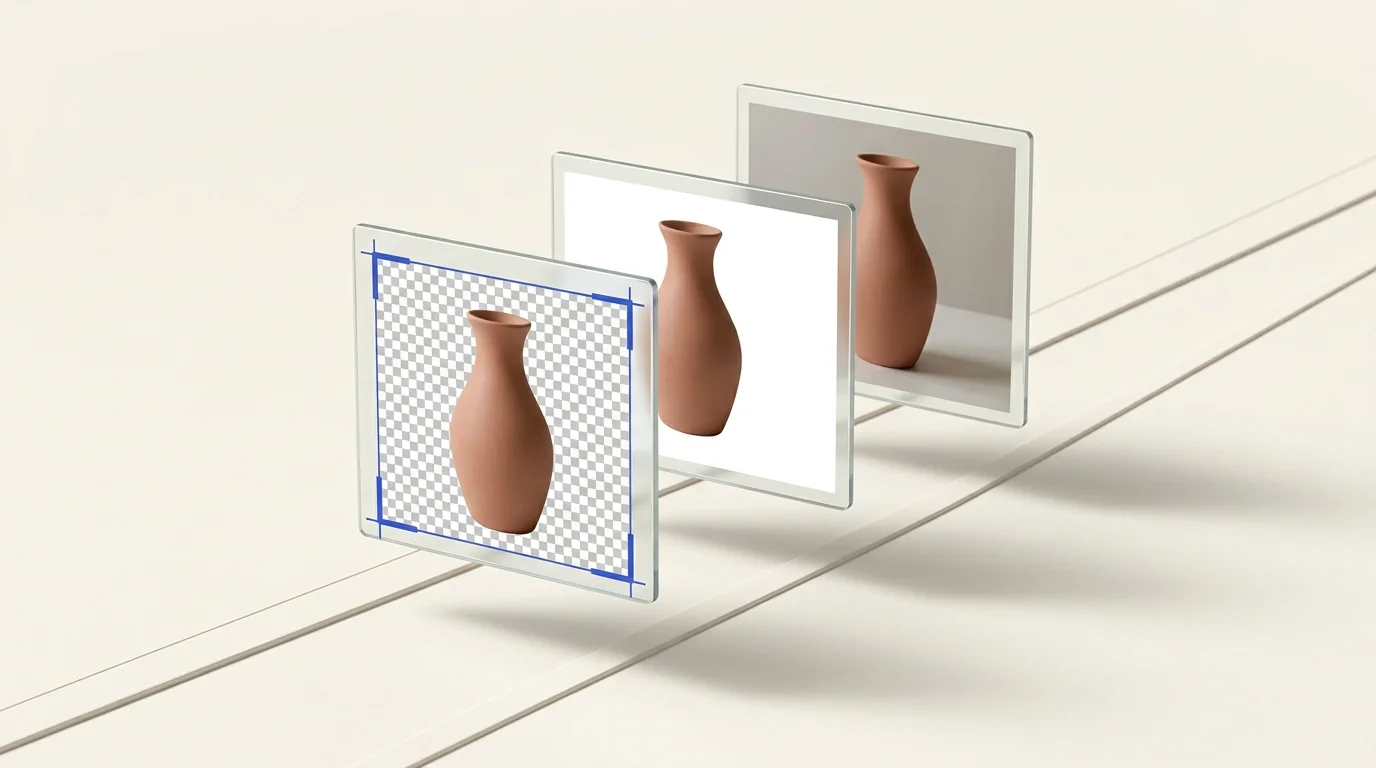
1. Background preparation
A distracting or inconsistent background can make an otherwise good image difficult to reuse.
Removing the background creates a cleaner source asset that can be placed on different layouts, colors, product cards, or marketing materials.
Transparent output is especially useful when the destination should control the final background rather than the original image.
With Preparya’s Remove Background tool, multiple images can be processed as a batch instead of being handled individually.
2. Resizing for the destination
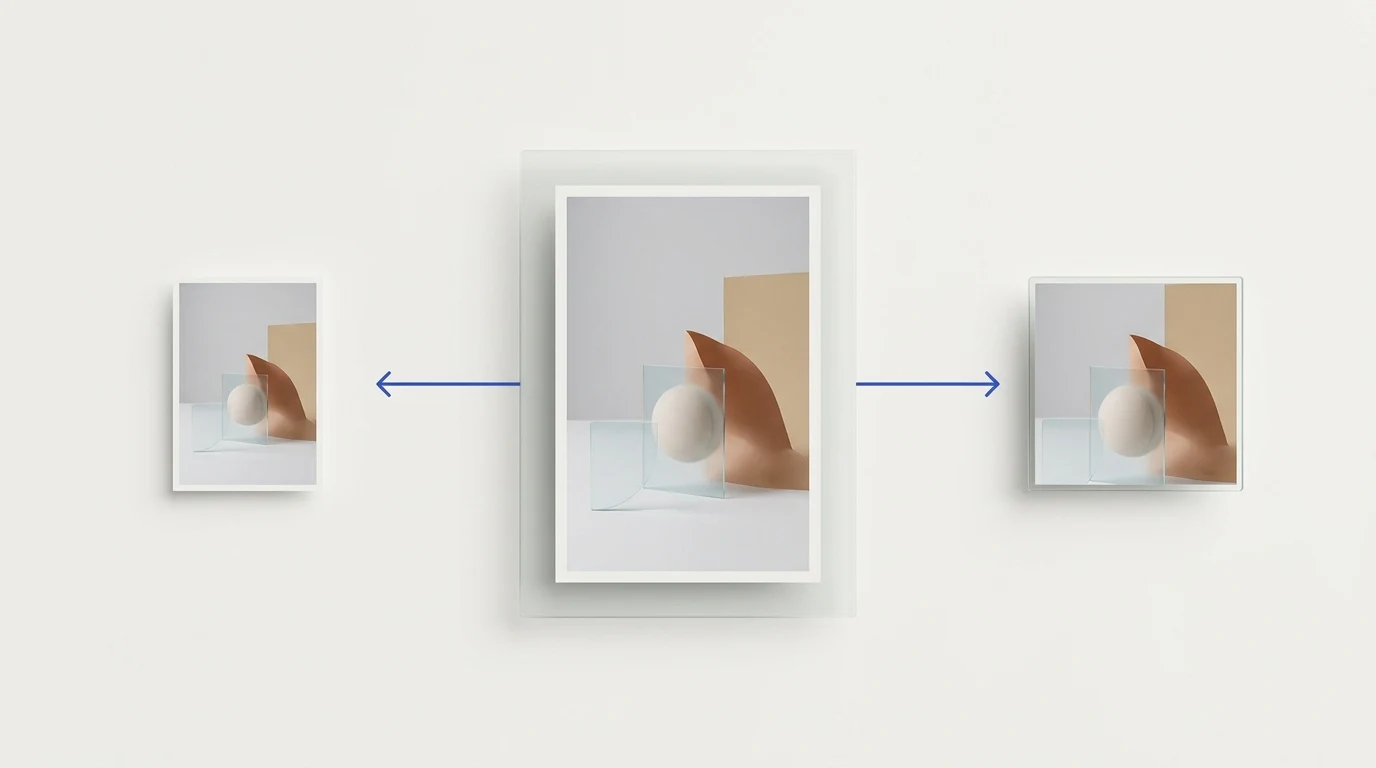
The correct image dimensions depend on where the image will be used.
A product image, website banner, social post, profile image, and advertisement may all start from the same source but require different dimensions.
Resizing should therefore be destination-driven.
Instead of repeatedly entering dimensions for individual files, a batch workflow lets you apply the same target to multiple images. When several destinations are required, the same source can also be prepared for more than one target.
Preparya’s Resize workspace is designed around that process, including presets for common platform destinations.
3. Choosing the output format
Dimensions and format solve different problems.
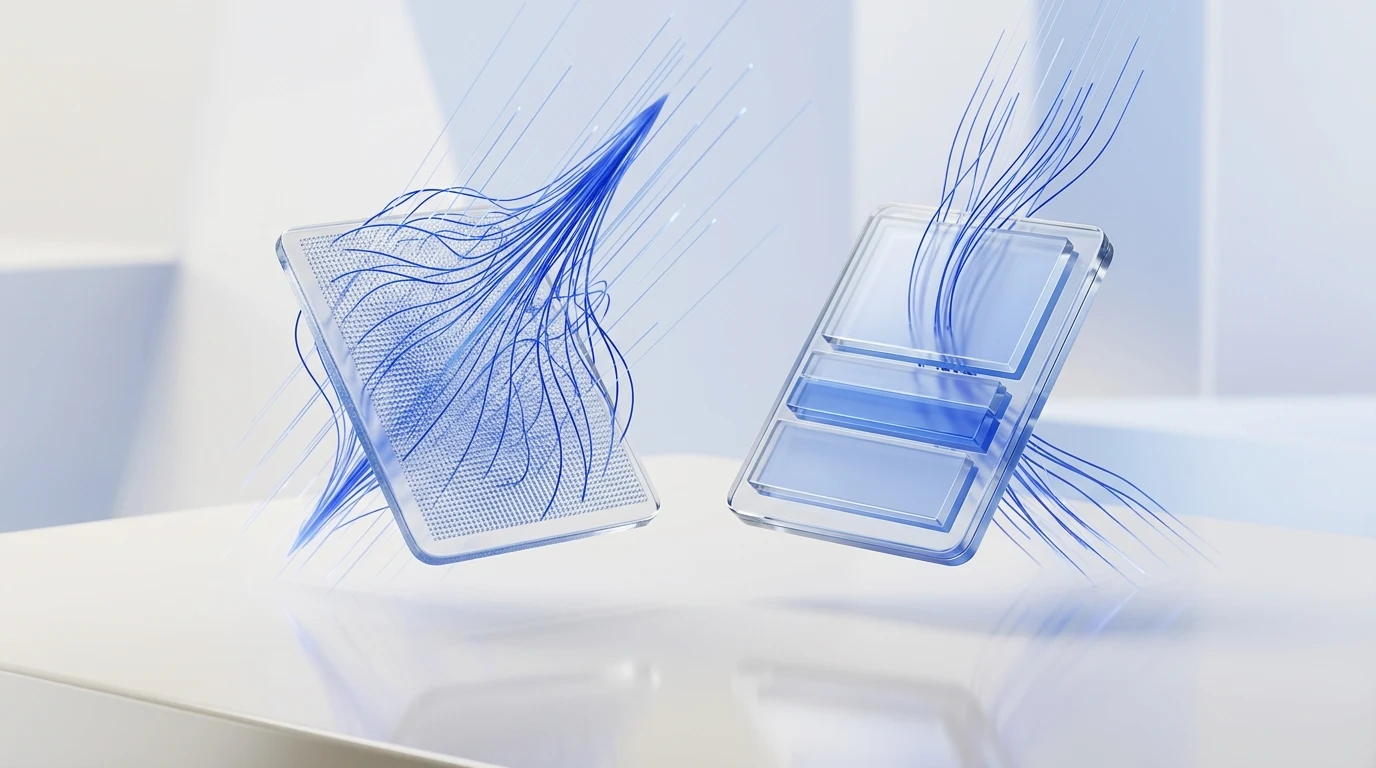
Resizing changes the pixel dimensions of an image. Format conversion changes how the image is encoded and what capabilities the file can provide.
For example:
JPEG is widely used for photographic images.
PNG is useful when lossless output or transparency is important.
WebP is commonly used for modern web delivery.
AVIF is another modern format that can be useful when the destination supports it.
There is no single format that is automatically correct for every image.
The right choice depends on the image itself and the system where it will be published.
Preparya’s Format Conversion tool can convert batches between supported image formats without requiring each file to be processed separately.
Prepare images for destinations, not just dimensions
One of the biggest changes in modern image workflows is the shift from file-focused processing to destination-focused processing.
An image is rarely resized simply because someone wants it to be smaller.
It is usually being prepared for something:
a storefront;
a product listing;
a website section;
a social post;
an advertisement;
a profile;
a marketplace;
a content management system.
Thinking about the destination first helps determine the dimensions, aspect ratio, transparency requirements, and output format before processing begins.
It also reduces the risk of preparing an image correctly from a technical perspective but incorrectly for its actual use.
A practical batch image preparation workflow
A simple workflow can look like this:
Step 1: Start with the best available source
Whenever possible, begin with a source image that contains enough detail for the largest intended output.
Repeatedly enlarging a small image cannot recreate detail that is missing from the source.
Step 2: Clean the background when necessary
If the original background should not appear in the final asset, remove it before producing destination-specific versions.
This gives you a cleaner source to reuse.
Step 3: Decide where the images are going
List the destinations before resizing.
If the images need to be used in several places, determine all required outputs before processing the batch.
Step 4: Resize the batch
Apply the appropriate dimensions or presets to the images together.
Keeping related images in the same workflow also makes consistency easier to maintain.
Step 5: Convert only when the destination requires it
Do not convert formats simply because another format is newer.
Choose the output that makes sense for the destination, transparency requirements, image type, and publishing system.
Step 6: Review the output
Batch processing saves repetitive work, but the results should still be reviewed.
Check important details such as:
subject edges;
transparency;
dimensions;
orientation;
visible image quality;
output format.
Automation should remove repetition, not eliminate quality control.
Batch processing is more than a speed feature
The obvious benefit of batch processing is time.
But consistency may be even more important.
When images are processed one at a time, small differences can appear between files:
slightly different dimensions;
inconsistent formats;
forgotten images;
different export choices.
A defined batch operation applies the same decision to a group of files.
That makes the workflow easier to repeat and the results easier to manage.
For ecommerce teams, creators, designers, marketers, and anyone preparing large sets of assets, that consistency matters.
Image editing and image preparation are different jobs
A full image editor is valuable when the image itself needs creative changes.
Image preparation tools solve a different problem.
If an image is already visually correct but needs to become usable in several places, opening a full editor for every output can add unnecessary steps.
This is where focused preparation workflows are useful.
The question is not:
“How can I edit this image?”
It is:
“How do I make this image ready for its destination?”
That is the role Preparya is designed around.
A workspace instead of disconnected utilities
Background removal, resizing, and format conversion are often treated as unrelated utilities.
In practice, they frequently belong to the same workflow.
A product image might need its background removed, then be resized for several destinations, then exported in the format required by a storefront or website.
Preparya brings those preparation tasks into one workspace so they can be handled as parts of the same process rather than as unrelated one-off operations.
The focus is not on replacing creative image editors.
It is on making repetitive preparation work simpler.
Frequently asked questions
What is image preparation?
Image preparation is the process of adapting an existing image for its intended destination. It can include background removal, resizing, creating multiple target sizes, and converting between image formats.
What is batch image processing?
Batch image processing means applying the same operation to multiple source images in one workflow instead of processing every file separately.
Is resizing the same as format conversion?
No. Resizing changes image dimensions. Format conversion changes the file encoding or format, such as converting a PNG image to WebP.
Should the background be removed before resizing?
When background removal is required, preparing the clean subject first can make it easier to reuse that image across multiple destination sizes and layouts.
Do all images need to be converted to WebP or AVIF?
No. The correct format depends on the destination, compatibility requirements, transparency needs, and the type of image being prepared.
When should I use an image preparation tool instead of an image editor?
Use a full editor when you need creative or detailed visual changes. Use an image preparation workflow when the visual is already ready and the remaining work is mainly background cleanup, resizing, format conversion, or preparing multiple outputs.
The next evolution is the workflow
The most useful change in image preparation is not a single new file format or editing feature.
It is the workflow itself.
Instead of processing files individually, modern image preparation treats images as reusable source assets that can be transformed into the outputs required by different destinations.
Remove what should not be there.
Resize for where the image is going.
Choose the format the destination needs.
Process related images together.
That is a much more scalable way to prepare images-and the workflow Preparya is built to simplify.