
Current Shopify image limits
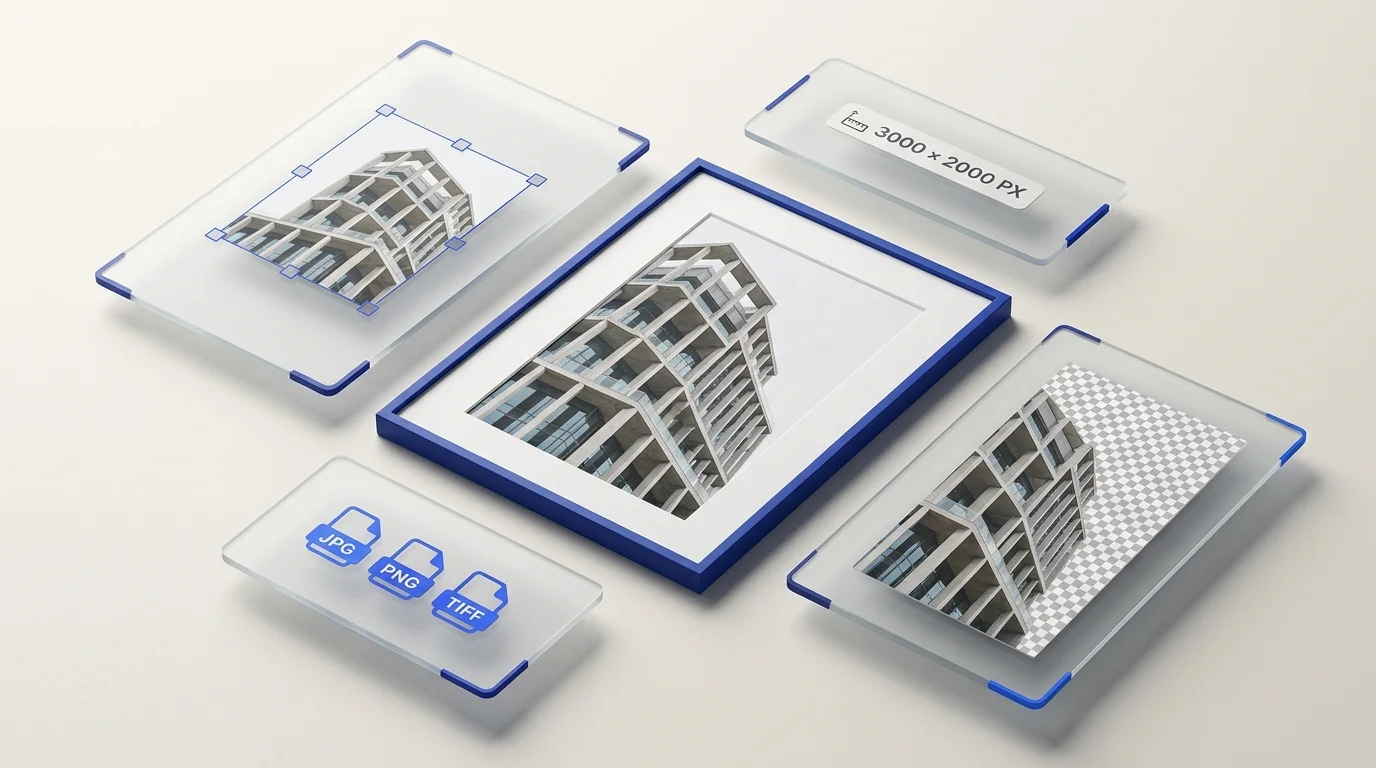
Shopify's product-media documentation says product and collection images can be up to 5000 × 5000 pixels or 25 megapixels, and files must be smaller than 20 MB. It lists PNG, JPEG, PSD, TIFF, BMP, GIF, SVG, HEIC, and WebP as accepted image types. Animated GIF and WebP are also supported. Check the current Shopify product media guidance before preparing a large upload.
For square product images, Shopify says 2048 × 2048 pixels usually displays best. This is a recommendation for square product images, not a mandatory size for every product photo or theme.
Use dimensions that fit the product and theme
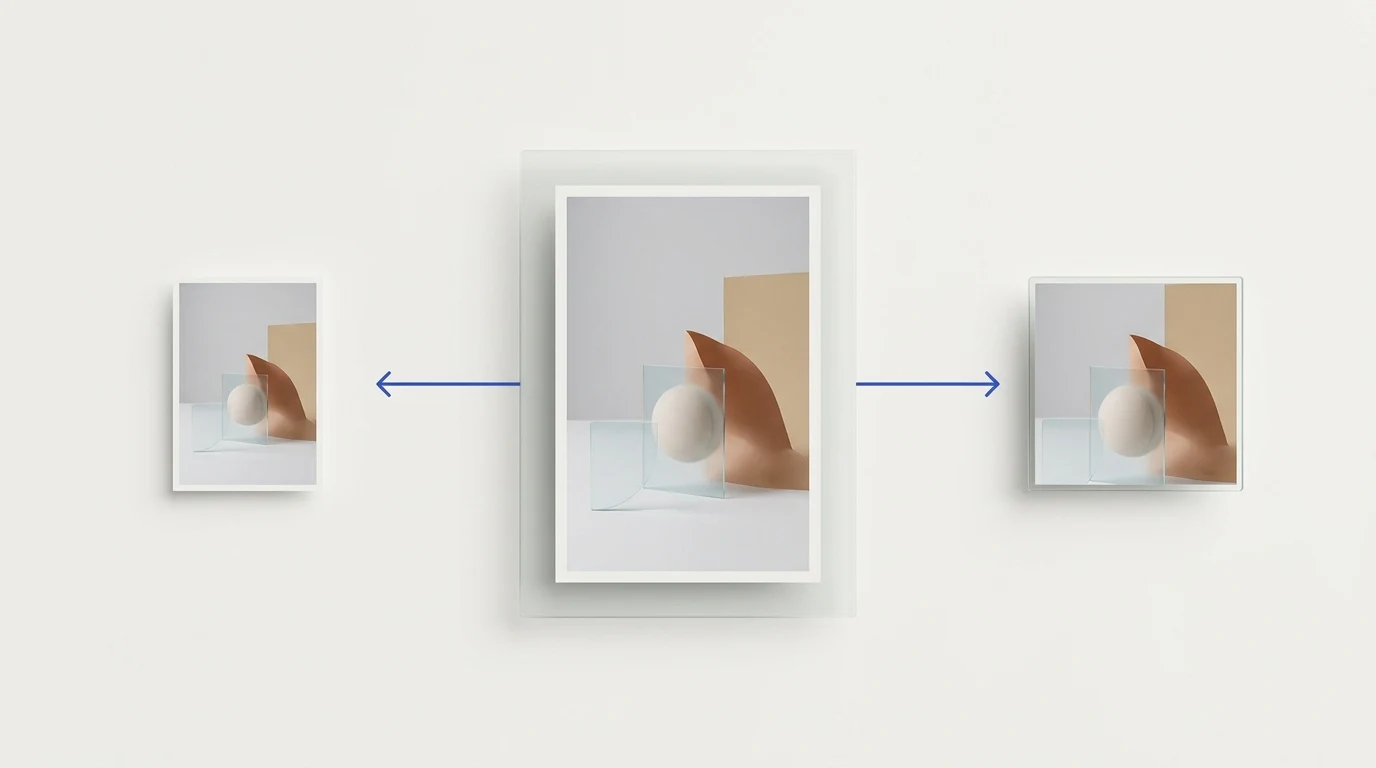
Consistent aspect ratios can help featured product images display at the same size in collection grids. The exact presentation also depends on the theme and how it requests image sizes. Before standardizing a catalog, preview representative products on the product page and collection page.
Keep the full product visible when the destination requires it. A square canvas does not mean that every product should be cropped into a square; choose a crop or background treatment that fits the product and the store layout.
Prepare a practical product gallery
Different views can answer different customer questions. Depending on the product, a gallery may include a clear main image, another angle, a detail view, a size or scale reference, and an in-context view. These are useful choices rather than a fixed required gallery count.
Choose white or transparent backgrounds intentionally
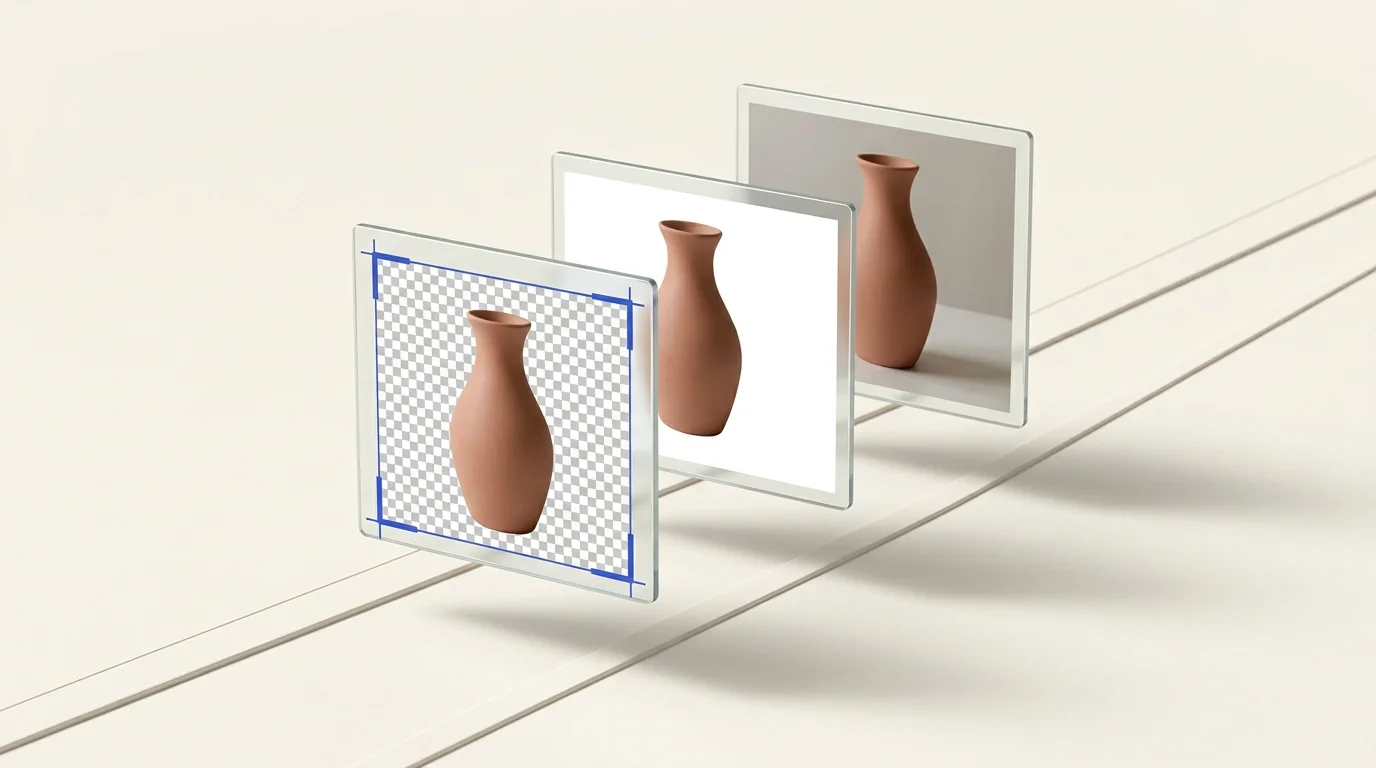
A white background is a fixed part of the image; a transparent background allows the store design to show through. Shopify themes and marketplace channels may present product media differently, so inspect the result in the actual store and follow any separate channel rules. Our guide to transparent and white product backgrounds discusses the distinction.
Prepare catalog images in batches
Preparya can process multiple supported source images in a batch. Its resize tool creates the exact target dimensions selected; it does not crop or add padding. Choose a target ratio that suits the source or prepare the framing separately. The background-removal tool returns transparent PNG results. Check the current file options in the workspace and review the output before uploading it to Shopify.