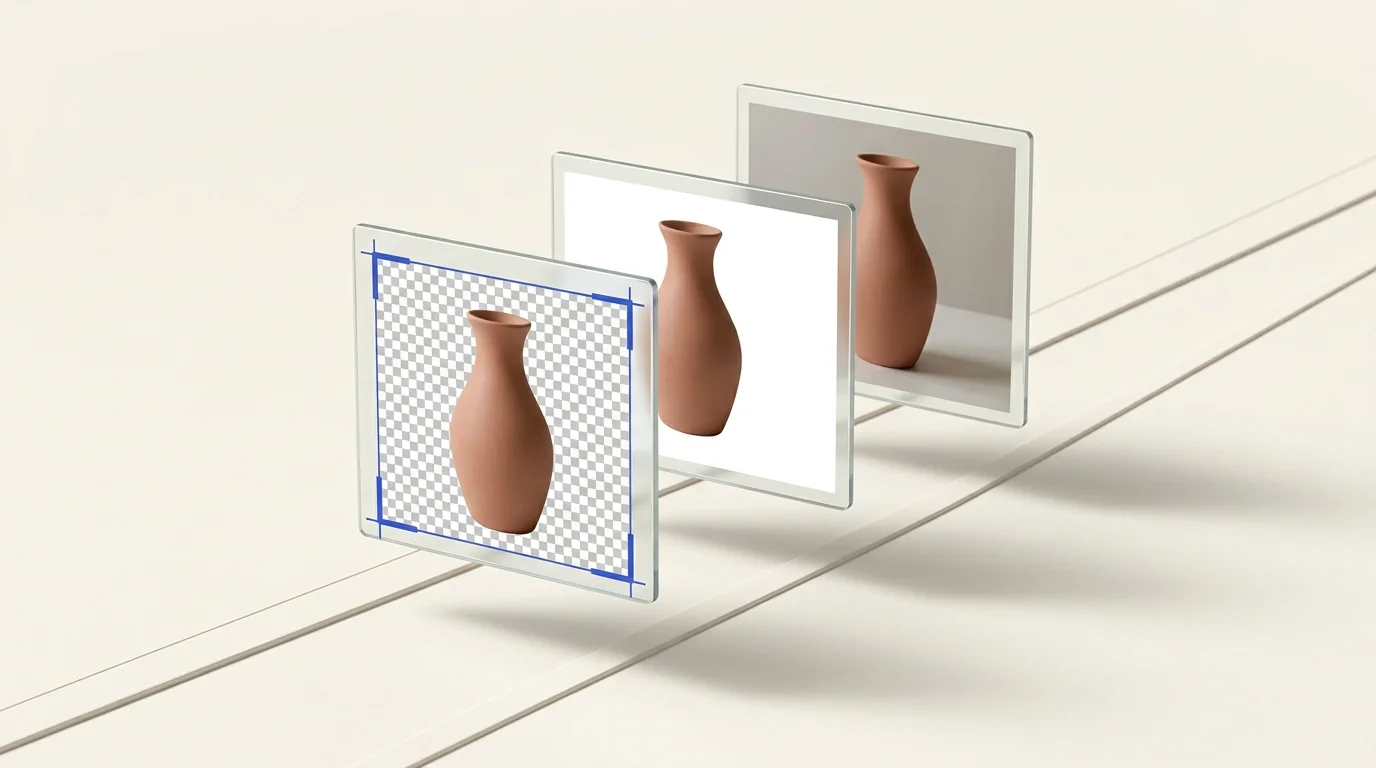

Choose a background for the destination
A white product image and a transparent cutout serve different purposes. White gives a fixed background in the exported file. Transparency lets the destination or page design supply the background. Neither choice is right for every store or marketplace, and the image must still show the product accurately.
Check the marketplace's current rules
Marketplace requirements can vary by channel, category, placement, and listing type. Read the current rules for the exact destination instead of relying on a general claim that every marketplace requires a white background.
For Google Merchant Center product images, Google's current guidance asks sellers to display the entire product with minimal or no staging and lists a solid white or transparent background as a best practice in most cases. That is guidance for Google product listings, not a universal rule for all retailers. See Google Merchant Center's image-link and image guidelines.
For Amazon or another marketplace, consult its current Seller Central or seller documentation for the relevant category and main-image rules. Do not treat this article as a compliance checklist.
When a white background may fit
A white background can be useful when the destination asks for it or when a consistent catalog presentation is the goal. Check that the product remains fully visible and that the exported image meets the destination's file and dimension requirements.
When transparency may fit
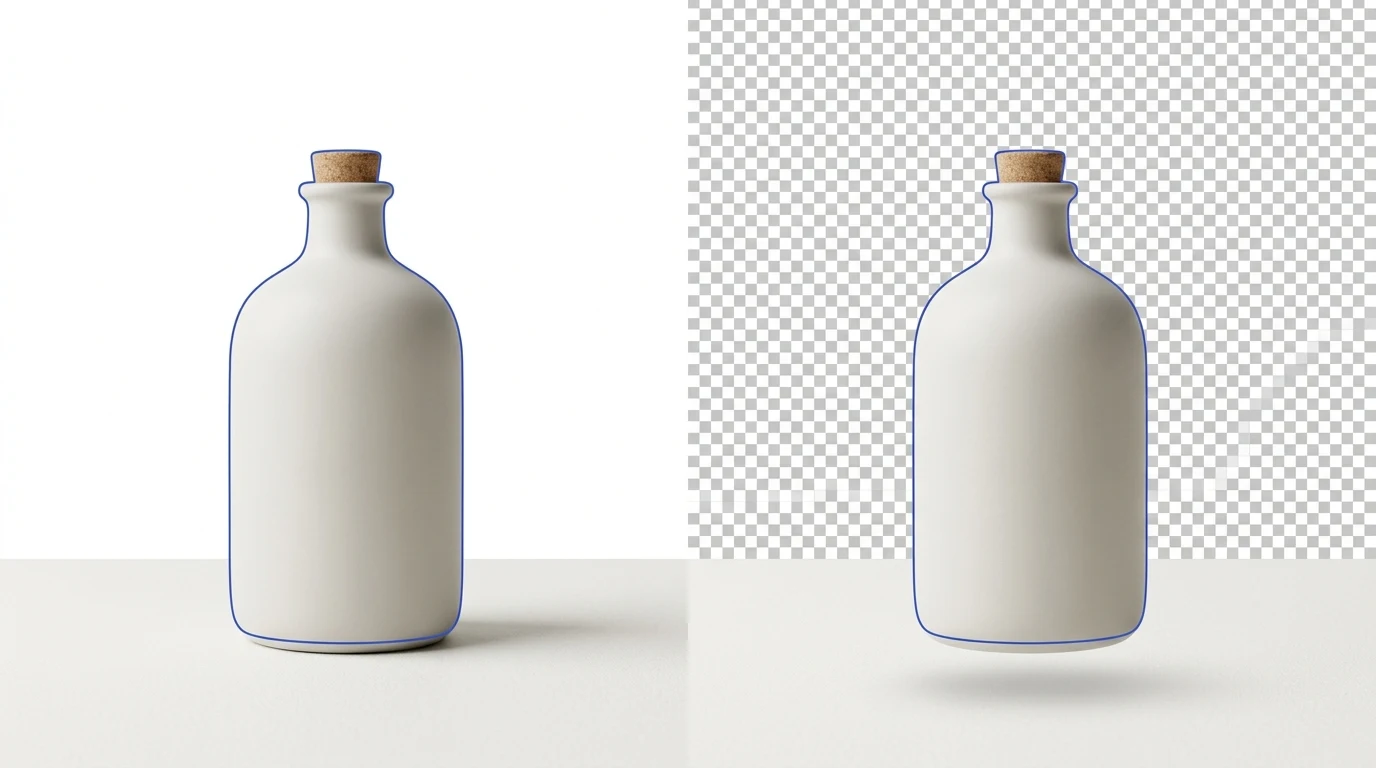
A transparent cutout can be useful when a website theme or design needs to place the subject over its own color or layout. Review light-colored products and soft edges against the intended background; transparency does not automatically create a white backdrop or a finished composite.
Prepare and review product images
Preparya's background-removal tool processes multiple source images and returns transparent PNG results. It removes the existing background; it does not add a white background or guarantee that a result complies with a marketplace rule. Review the edges and composition, then use the destination's current requirements to decide whether another editing step is needed.
For Shopify's image limits and display guidance, see our Shopify product-image guide. Shopify's own product media documentation lists the accepted image types, technical maximum dimensions and file-size limit, and notes that a consistent aspect ratio can help images display uniformly in collection grids.